Native macOS clipboard history
Copy once.
Find it again.
Clipboard Studio Pro keeps your recent copies one shortcut away. Fast, private, encrypted at rest, and built for people who live on the keyboard.
$20 once. Updates and new features included. No subscriptions.
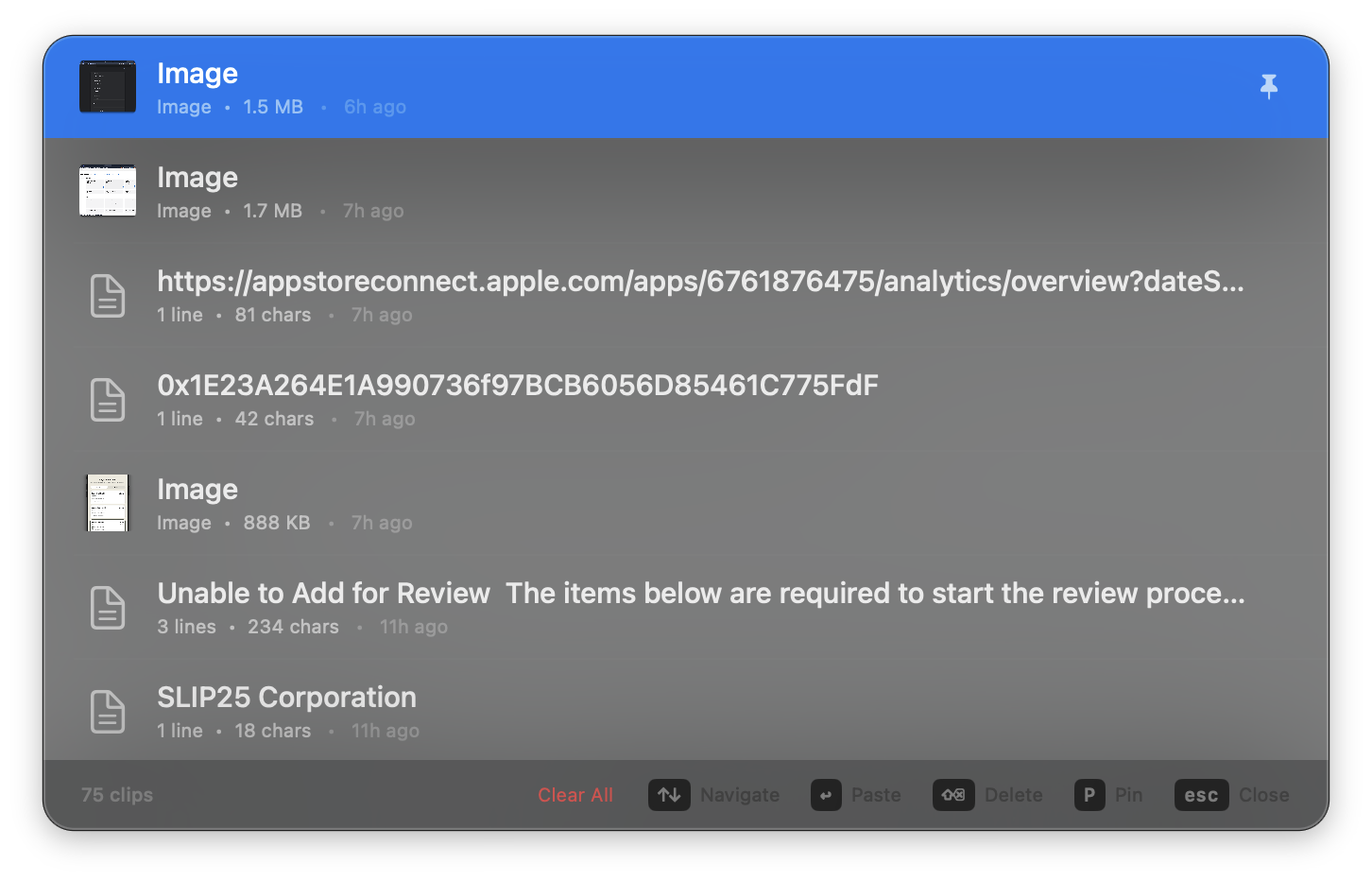
Everything you need in
a clipboard manager.
Designed from the ground up for macOS. No bloat, no cloud sync, no nonsense.
Three steps to
clipboard mastery.
Copy Anything
Copy text, images, or files as you normally would. Clipboard Studio Pro watches silently in the background.
Press Ctrl+V
Your clipboard history appears in a clean panel. Find what you need.
Paste Instantly
Click any clip or press Enter to paste it right where you were working.
Your clipboard is yours.
We never see it.
Clipboard Studio Pro runs entirely on your Mac. Everything you copy stays on your machine, encrypted at rest using AES-GCM. We have no servers, no accounts, and no way to see your data.
Old-school software licensing
Pay once. Use it for life.
Clipboard Studio Pro is $20. Future updates and additional features are included. No monthly fees, no renewal prompts.
Download on the Mac App Store